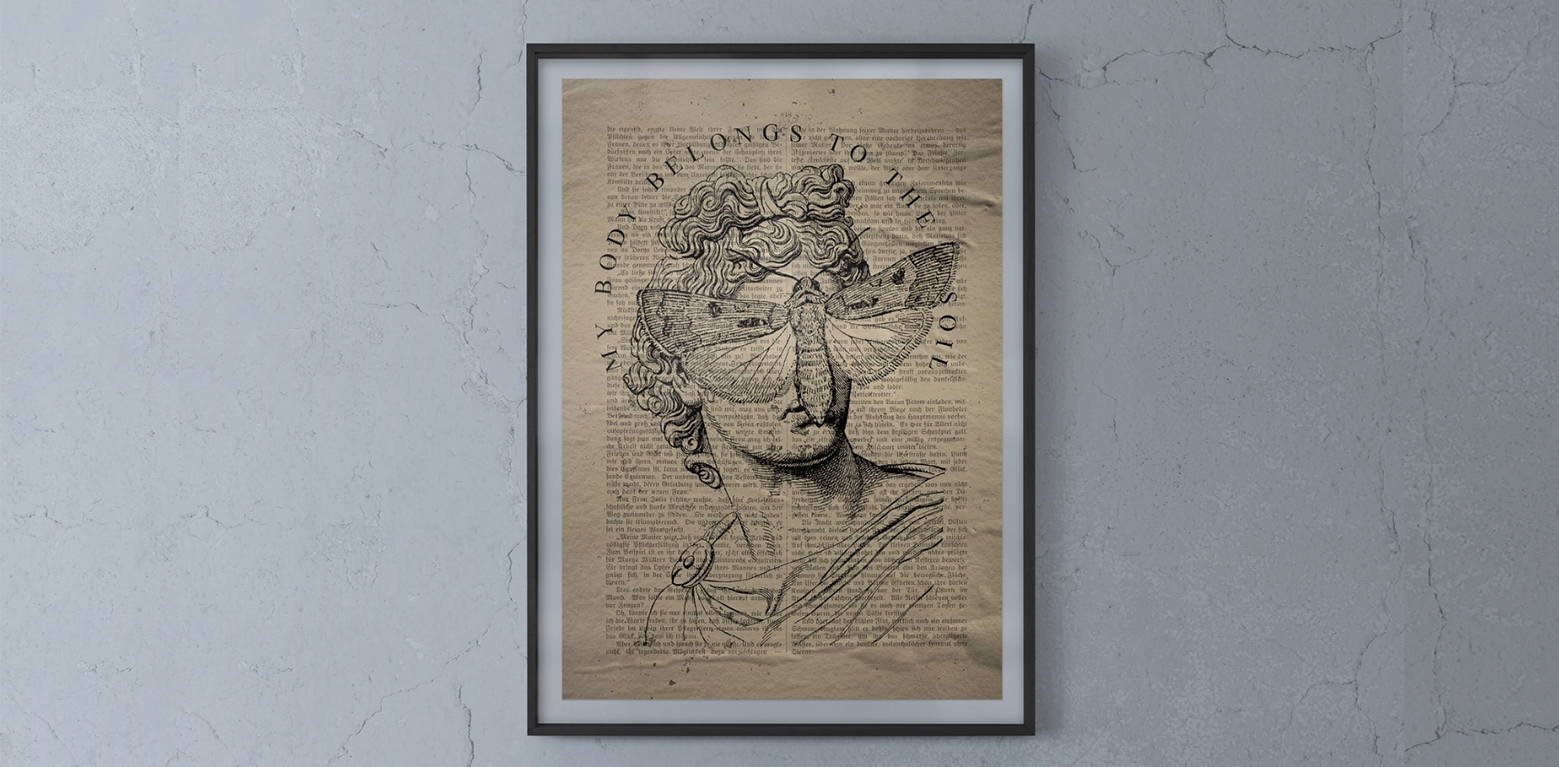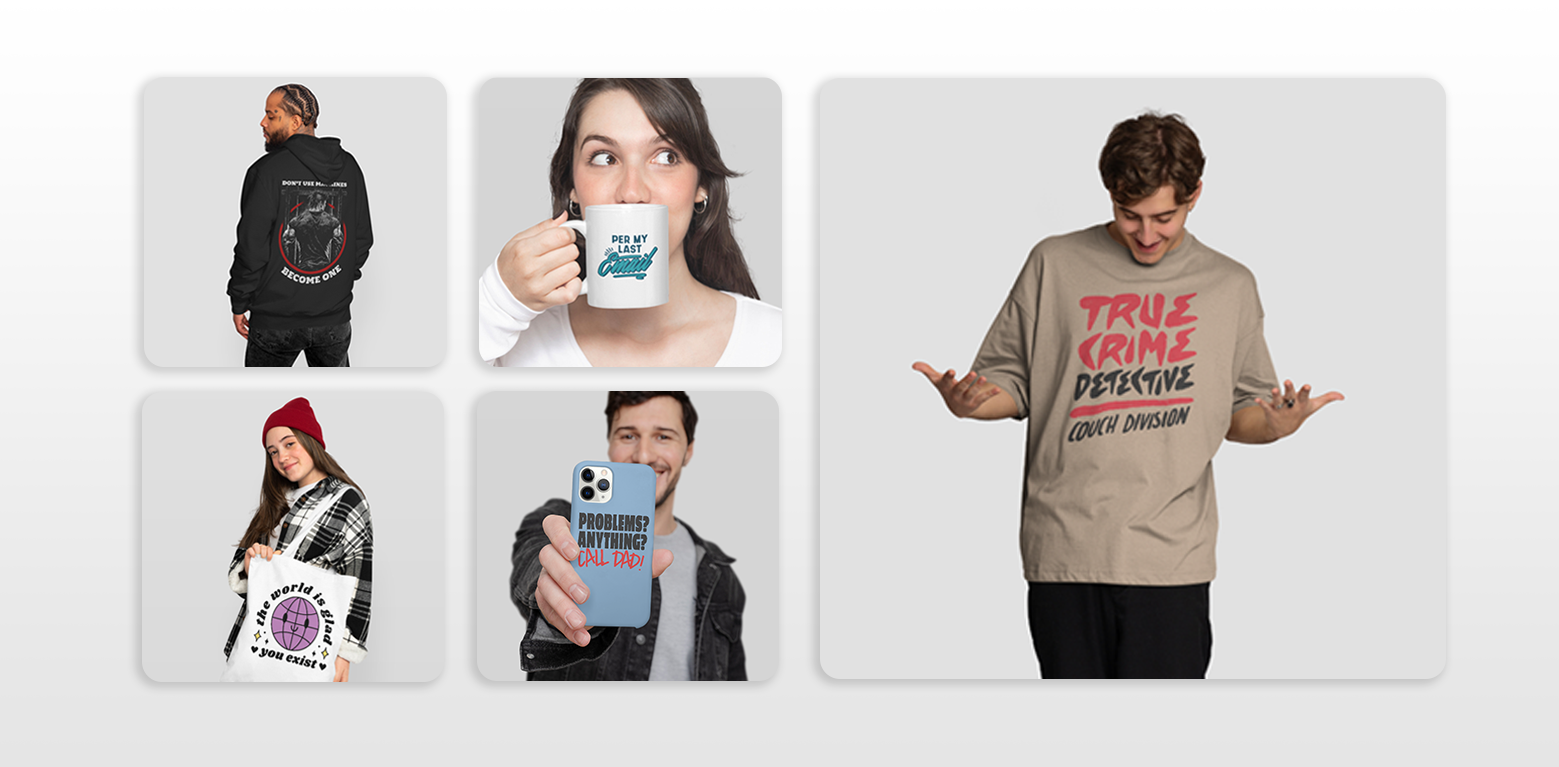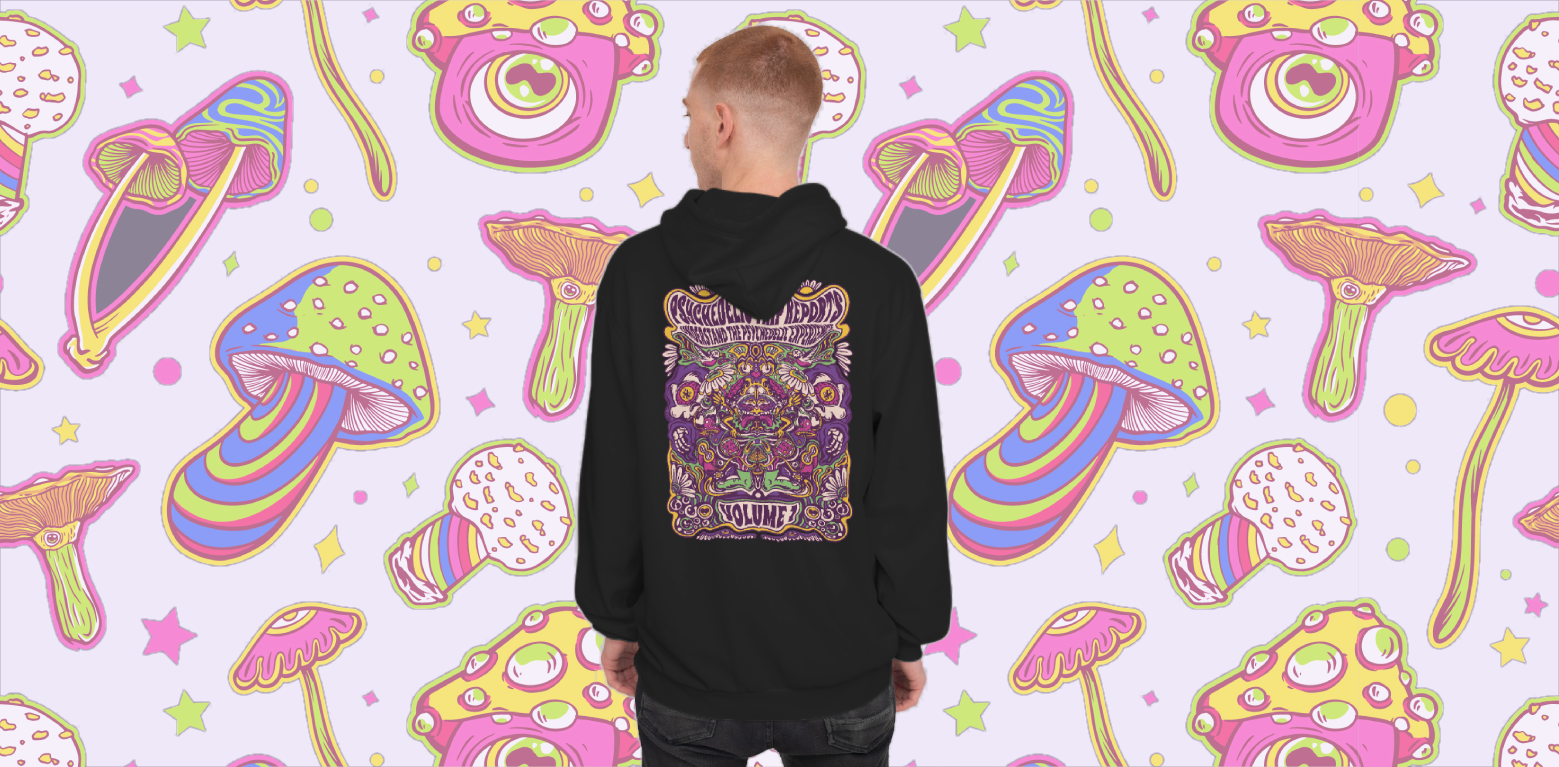
Anyone who’s walked into a store or scrolled through an online marketplace has seen it: a shirt or poster that looks interesting at first glance, but up close the design is blurry, blocky, or simply not sharp enough to feel worth buying. Customers notice this immediately, and even if they can’t name the technical reason, they interpret it as poor quality.
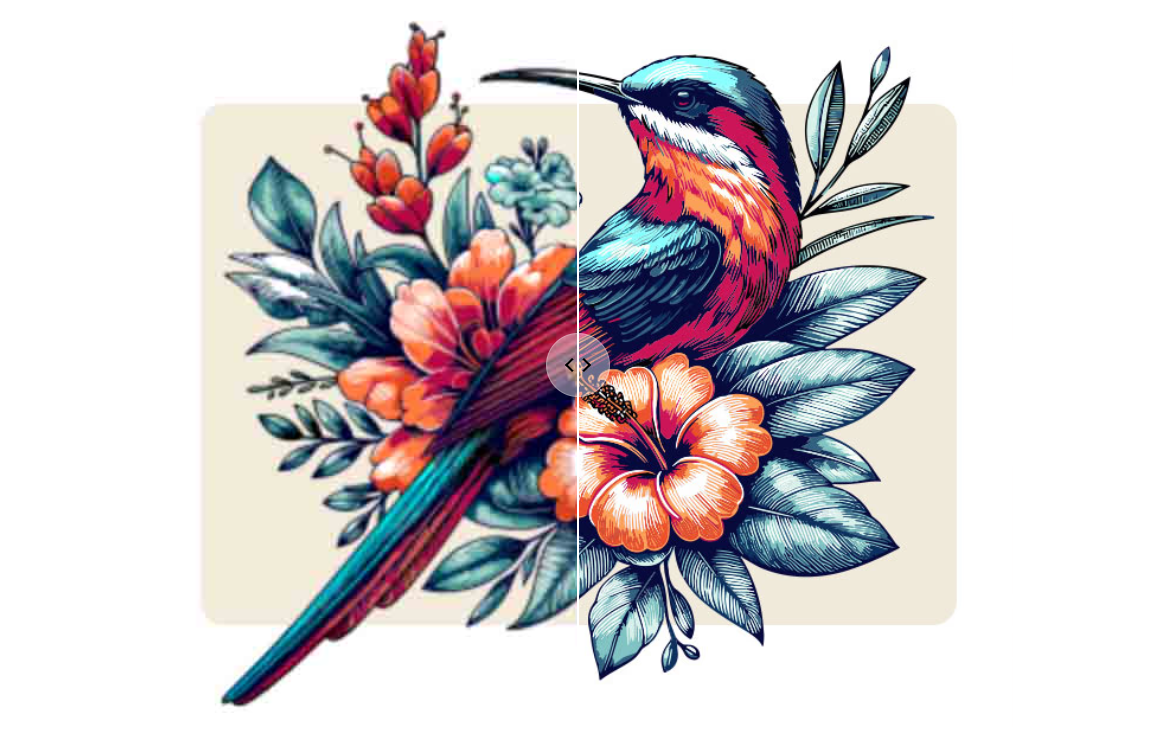
For merch sellers, that perception translates into missed opportunities. The issue almost always comes down to a basic but fundamental distinction: designing with pixels versus designing with vectors. Let’s learn why merch designers should think in vectors, and why vectorizing images is a must.
Pixels vs Vectors: More Than File Formats
Most of the digital images we consume every day are raster files, PNGs, JPGs, or similar formats that store information as a fixed grid of pixels. Each pixel represents a color, and together they form the image. This approach works well for screens but has one inherent limitation: resolution. Stretch the image beyond its original size and the grid begins to show, turning smooth lines into jagged edges and fine details into mush.
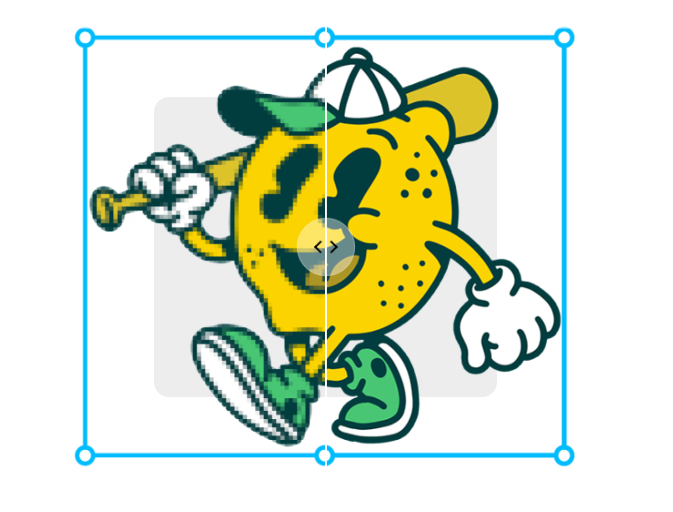
Vectors work in a completely different way. Instead of a grid, they rely on mathematical paths and curves to describe shapes. A line isn’t stored as thousands of pixels but as a formula: a path that can be scaled up or down indefinitely without losing clarity. That’s why a vector logo can appear equally crisp on a business card and a billboard. Formats like SVG, AI, and EPS are built on this principle, making them the gold standard for professional design.
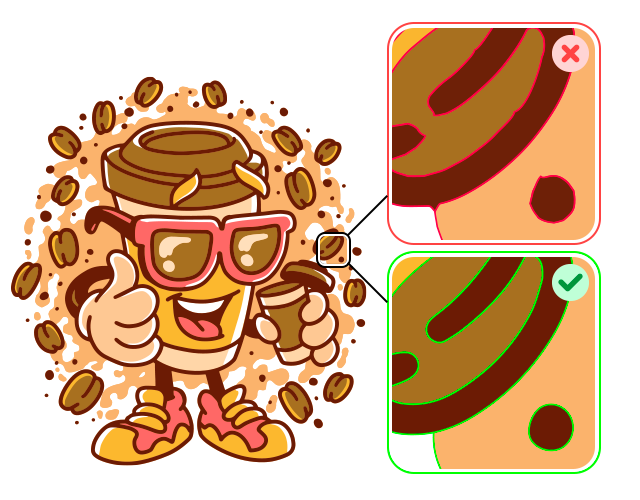
This isn’t just theory. Printing workflows make the distinction clear. While rasters depend on DPI (dots per inch), vectors adapt fluidly to any scale. Screen printing stencils, embroidery machines, and laser engravers all require precise paths, something rasters can’t provide. In merchandising, where a design often lives across multiple products and surfaces, vectors aren’t a luxury. They’re the baseline for quality.
Why Vectors Fit Merch Workflows
For merch designers, the advantage of vectors shows up at every stage of production. Scalability is the most obvious: a single file can serve as the source for stickers, hoodies, and banners without the risk of pixelation. That alone saves countless hours otherwise spent creating multiple raster versions at different resolutions.
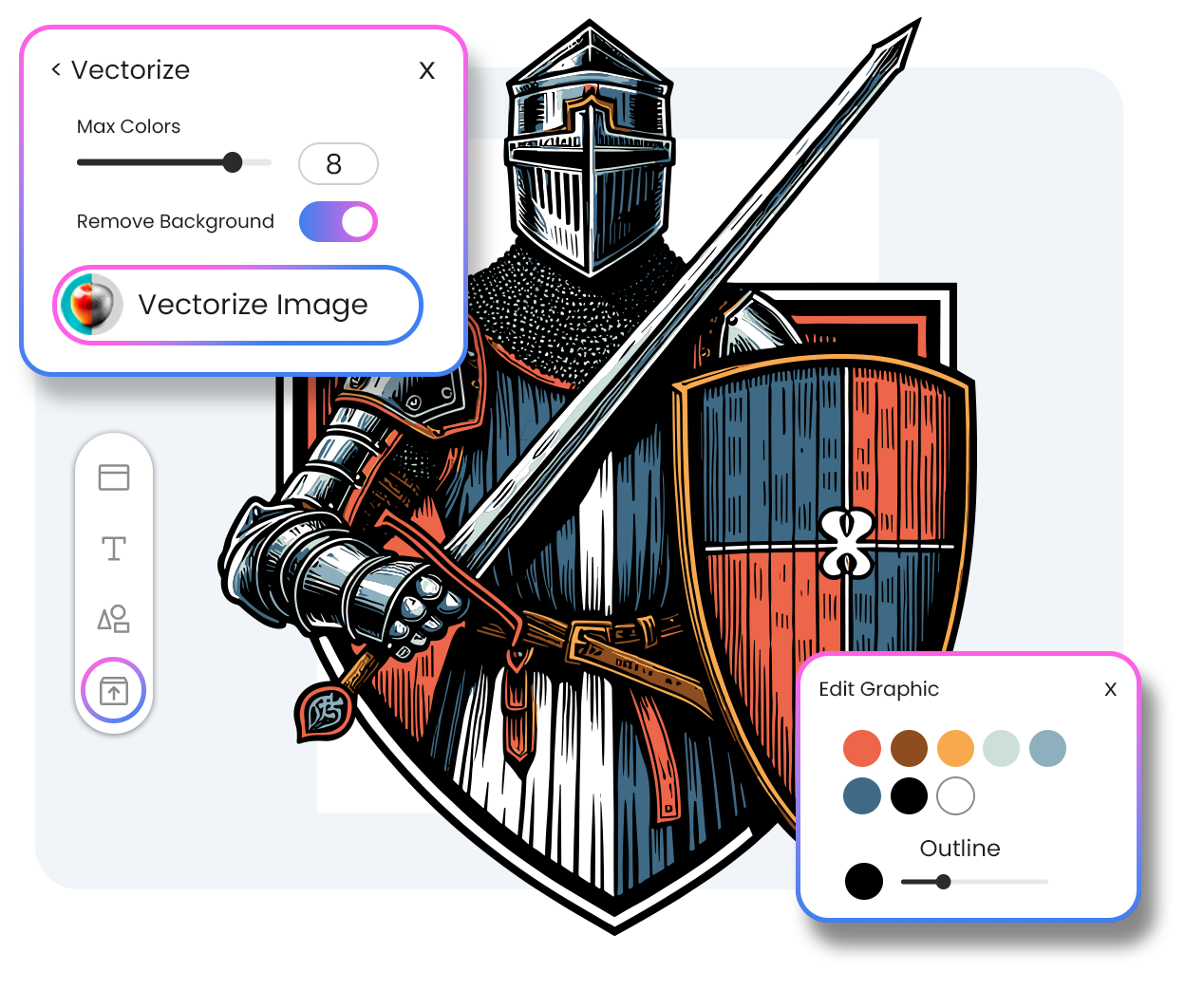
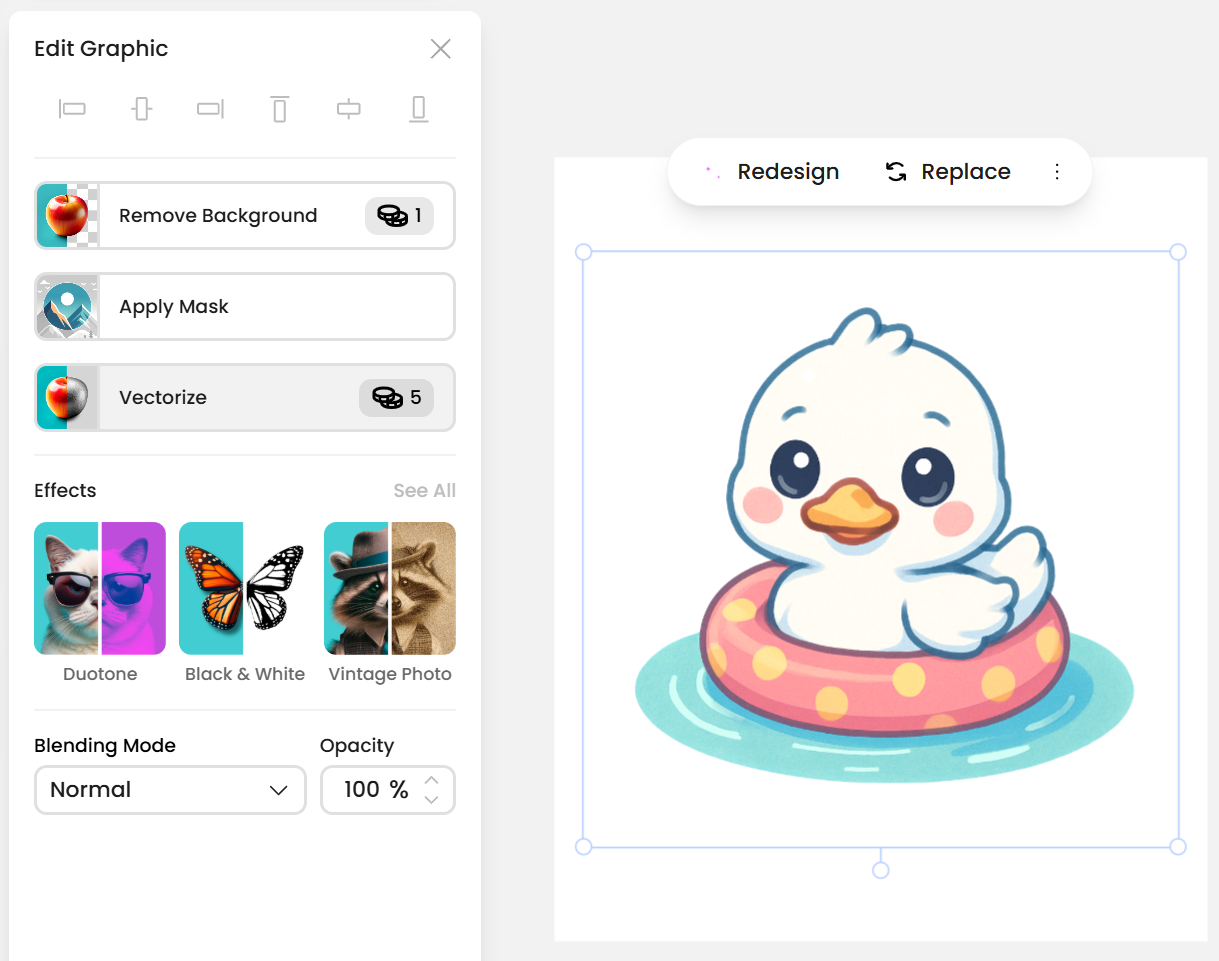
Editability is just as important. If you want to change a color, thicken a line, or isolate part of a design, vectors let you do it quickly without compromising the image. Raster edits are destructive by nature – once you alter pixels, the overall quality begins to suffer. With vectors, iterations stay clean. Vexel’s Designer comes with an integrated vectorizer, in which you can grab any png, picture or ai generated image and turn it into an scalable and editable vector.
Consistency across products is another key benefit. Customers expect a logo or artwork to look the same on a mug as it does on a T-shirt. Vectors guarantee that uniformity. And because vectors are lighter than high-resolution rasters, managing large libraries of assets also becomes easier, a detail that matters when you’re building a scalable merch operation.
Even specific production techniques make the case stronger. Embroidery software translates vector paths into stitches. Laser engraving needs outlines, not grids. Large-format prints demand sharpness at scale. In each case, the workflow itself favors vectors.
Where AI Changes the Equation
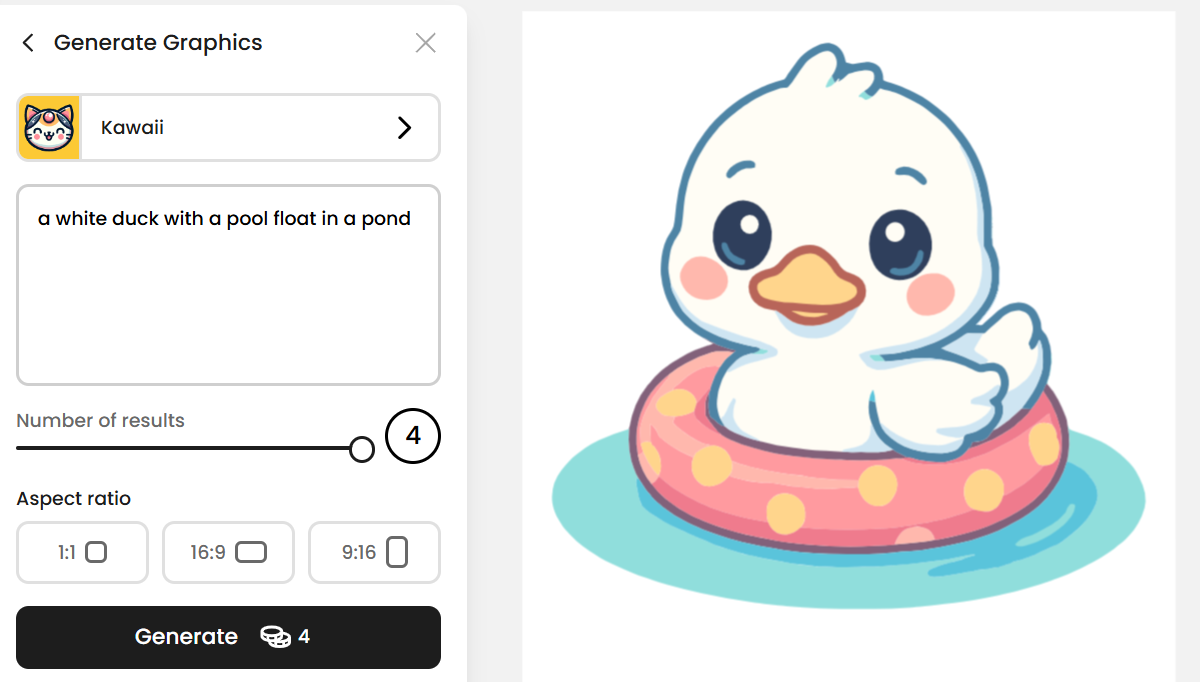
In recent years, AI image generation has entered merch design. With just a prompt, anyone can create detailed visuals that once required hours of illustration. But the catch is that AI tools almost always output PNGs or JPGs. The files may look great on screen but rarely survive the transition to print. Edges come out fuzzy, text is distorted, and scaling beyond the original size reveals flaws.
This doesn’t mean AI images are unusable. It means they require translation into the right format. Vectorization (converting rasters into vectors) becomes the bridge between AI creativity and merch-ready output. Without that step, designs that seem promising at first remain trapped in a format unsuited for production. A vectorizer can help you turn any AI image into an editable and scalable vector.
Turning Pixels Into Production Assets
Traditionally, designers used software like Adobe Illustrator to manually trace and convert raster files. Done well, this produces excellent results, but the software is costly and demands expertise. For merch sellers who don’t live in design software, it’s not always realistic.
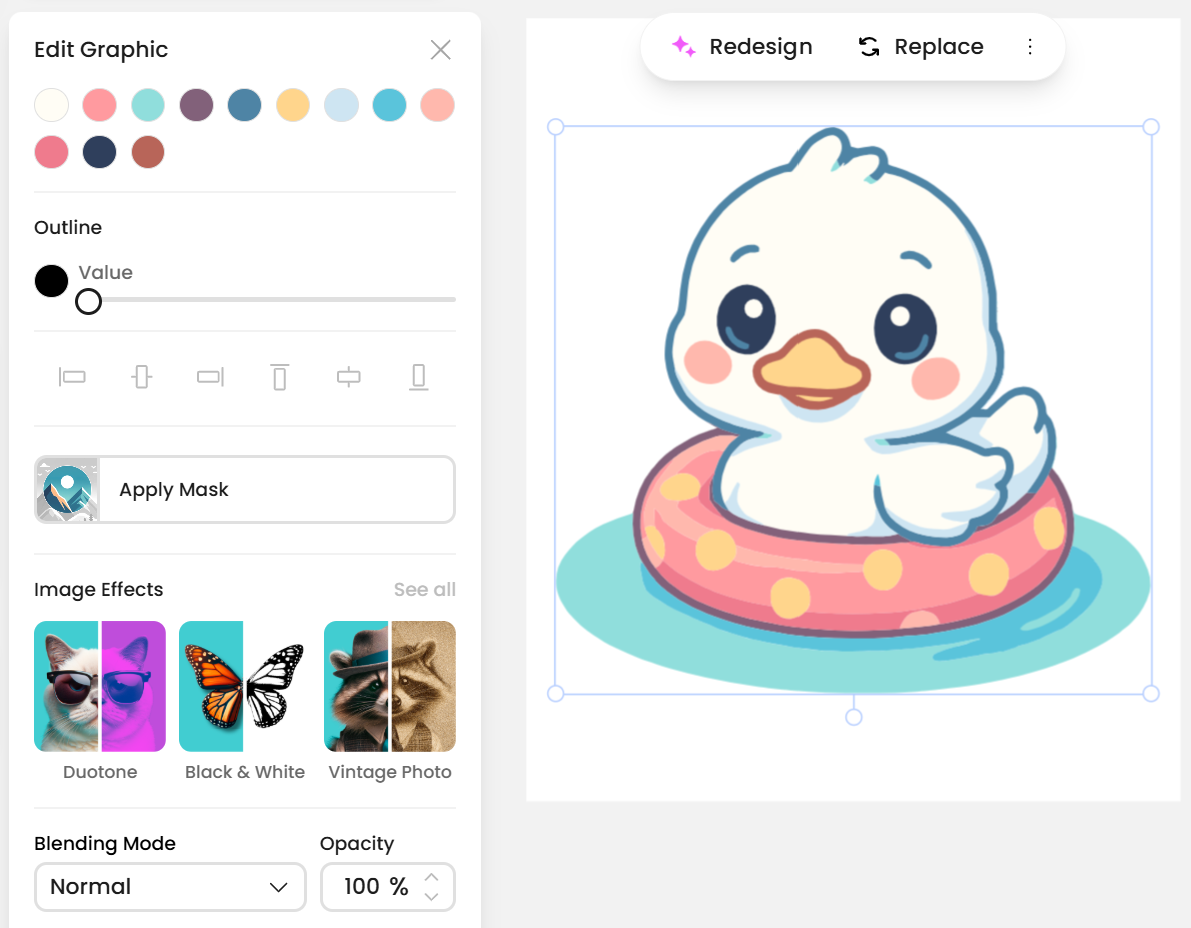
This is where an Image Vectorizer proves its value. With a few clicks, a raster file can be transformed into a scalable, editable vector. Good vectorizers preserve curves and edges, allow color palettes to be customized, and remove backgrounds so that designs integrate cleanly into any product mockup. The result is more than just a technical upgrade: it’s a file that’s truly fit for commercial use.

Vexels’ own Vectorizer was built with these needs in mind. It converts PNGs and JPGs into clean SVGs that hold their detail at any size, while also letting you tweak colors or add text directly in the editor. That means an AI-generated illustration, a scanned sketch, or even a simple PNG downloaded online can be reshaped into a professional-grade asset ready for real-world printing.
Stock Resources and Legal Certainty
Of course, not every design starts from scratch. Many sellers use stock assets to expand their catalogs quickly. Here, the format and licensing matter just as much as the visuals. A Vector Stock library provides assets that are already scalable and editable, eliminating the need for conversion. When those files are also offered as royalty-free illustrations for commercial use, sellers gain legal clarity: they can build with confidence, knowing the design is both technically sound and licensed for merchandising.
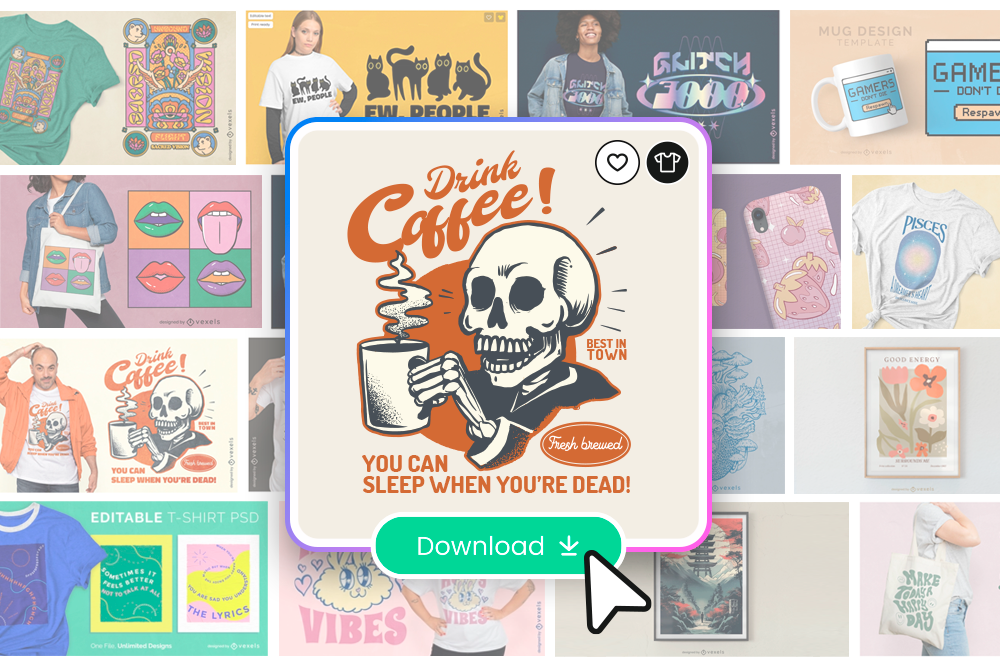
Compare this to the risks of pulling a random PNG off the internet: even if the design looks appealing, the file may not print well, and the licensing could expose you to copyright claims. Choosing royalty-free vectors from a trusted source ensures that both quality and rights are covered.

More Than a Technical Detail
It’s easy to think of file formats as background details, but in merchandising they determine outcomes. A design that lives only as a raster is vulnerable to inconsistency, poor quality, and wasted effort. A design that lives as a vector is scalable, adaptable, and reliable across every stage of production.
In practice, this means adopting a simple rule: if the design is destined for a product, it should exist as a vector. If it begins as a raster (whether from AI, a sketch, or another source), it should be vectorized before entering production. And if you’re sourcing designs, prioritize royalty-free vectors that are ready for commercial use from the start.
Final Thoughts
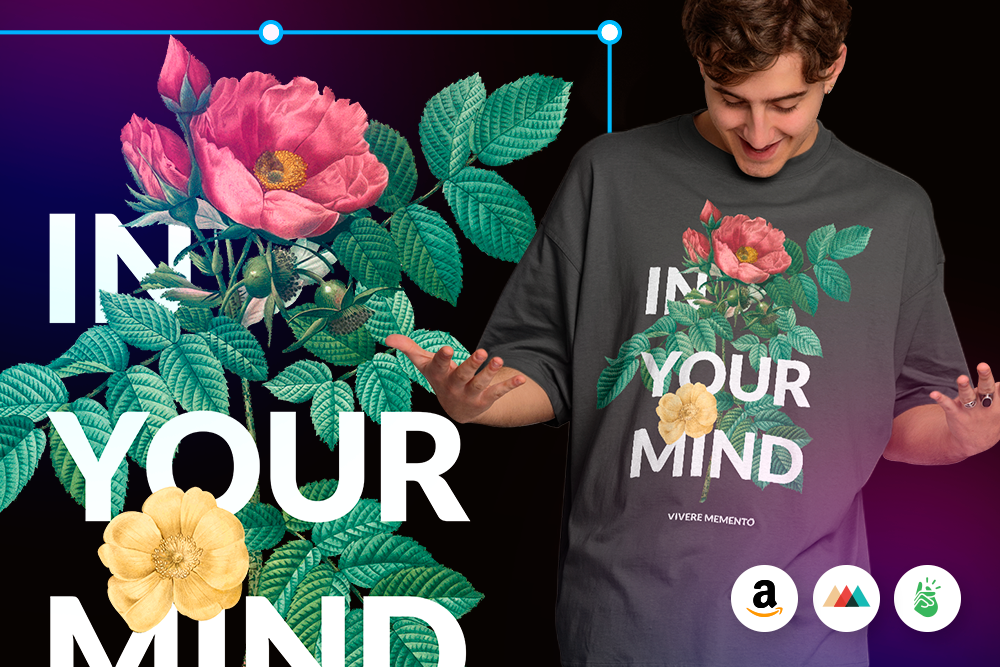
Merchandising is about turning ideas into products customers want to wear, display, or gift. Creativity may start the process, but quality ensures it reaches the customer in a way that builds trust. Thinking in vectors rather than pixels protects that quality. It guarantees that designs remain sharp, consistent, and adaptable no matter how they’re used.
With resources like Vector Stock libraries, royalty-free illustrations for commercial use, and tools like the Vexels Image Vectorizer, merch sellers can close the gap between inspiration and production.
The result is a workflow that scales, a product line that holds its standard, and a business that customers take seriously.