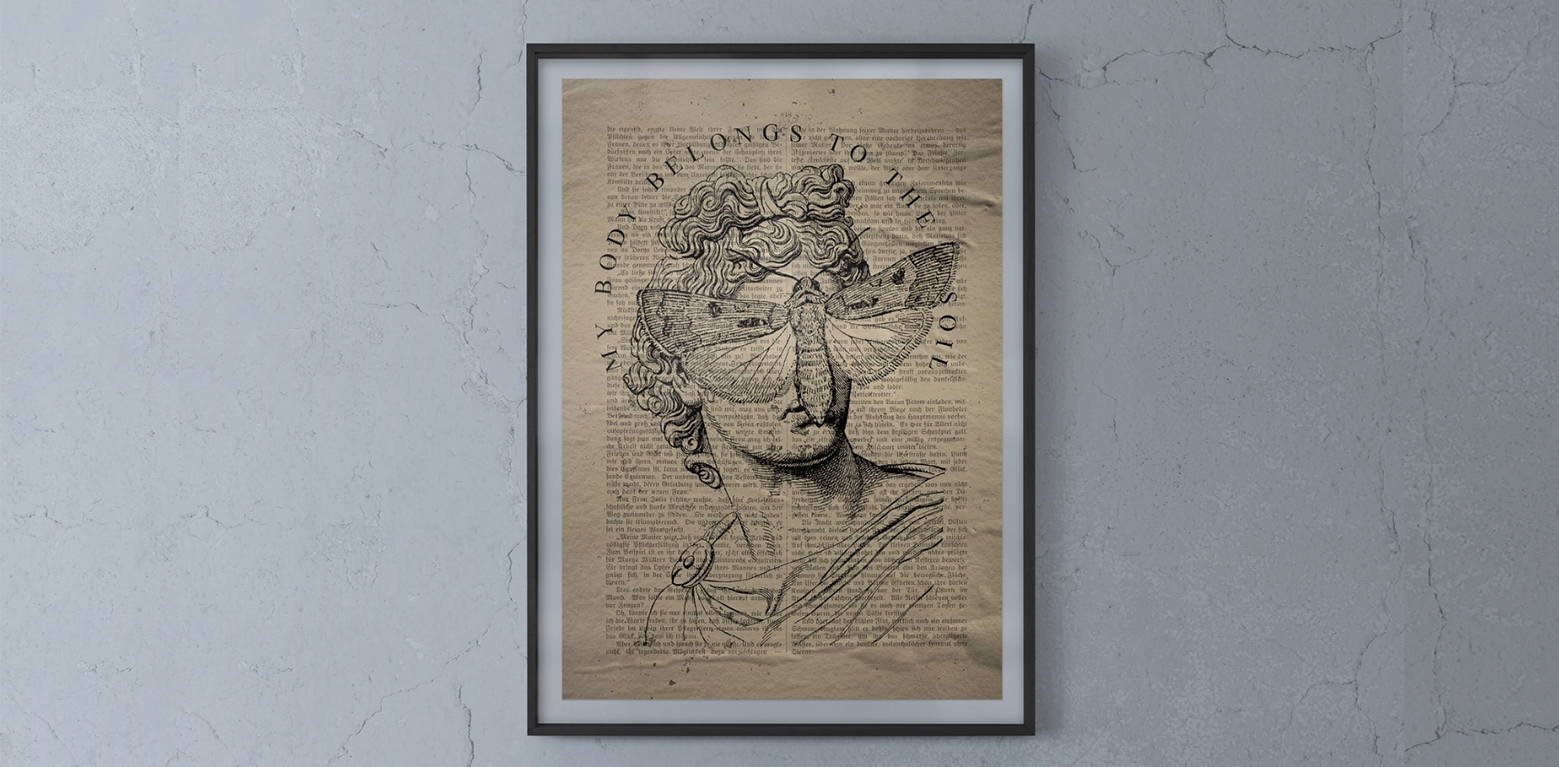
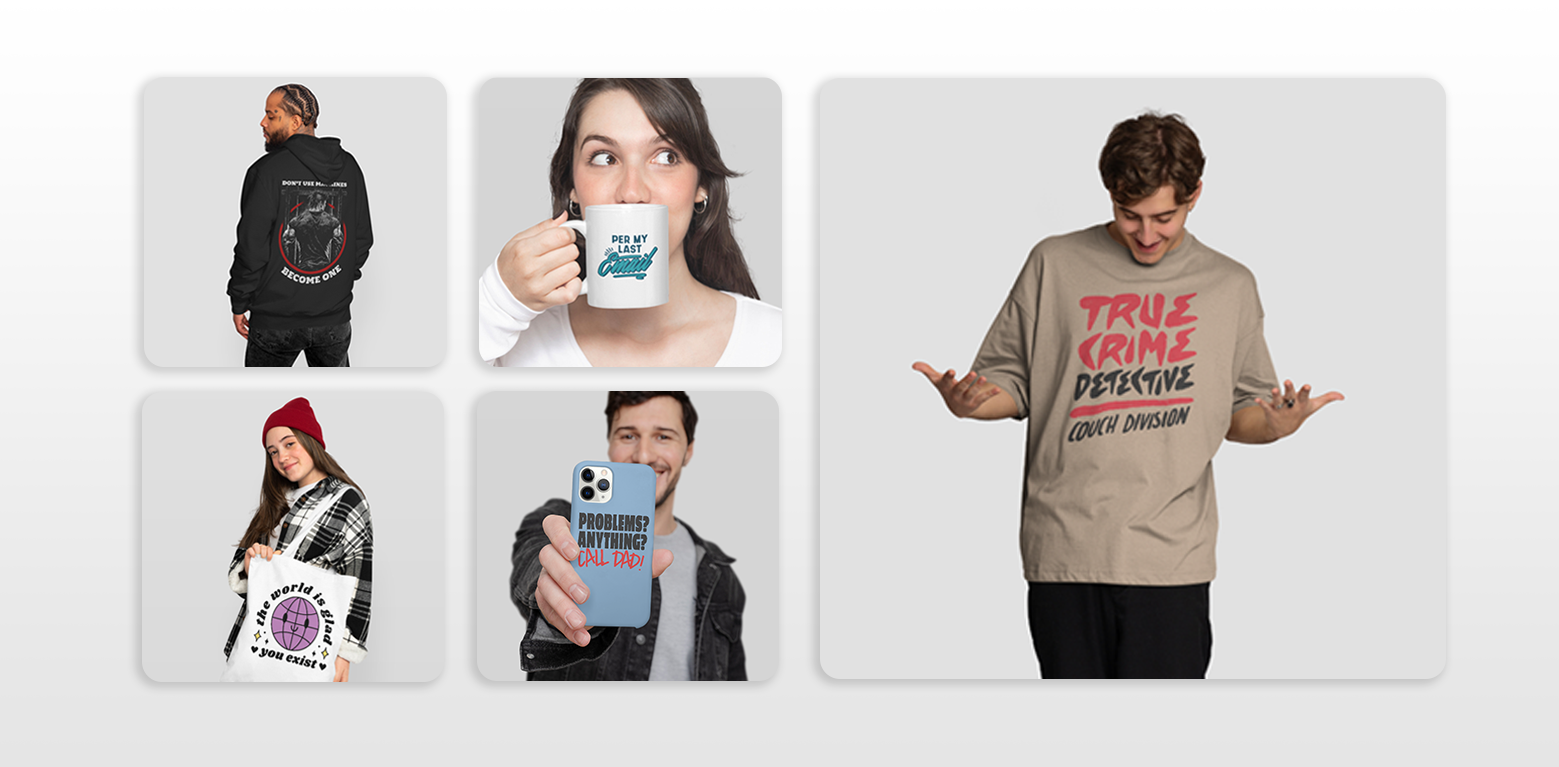
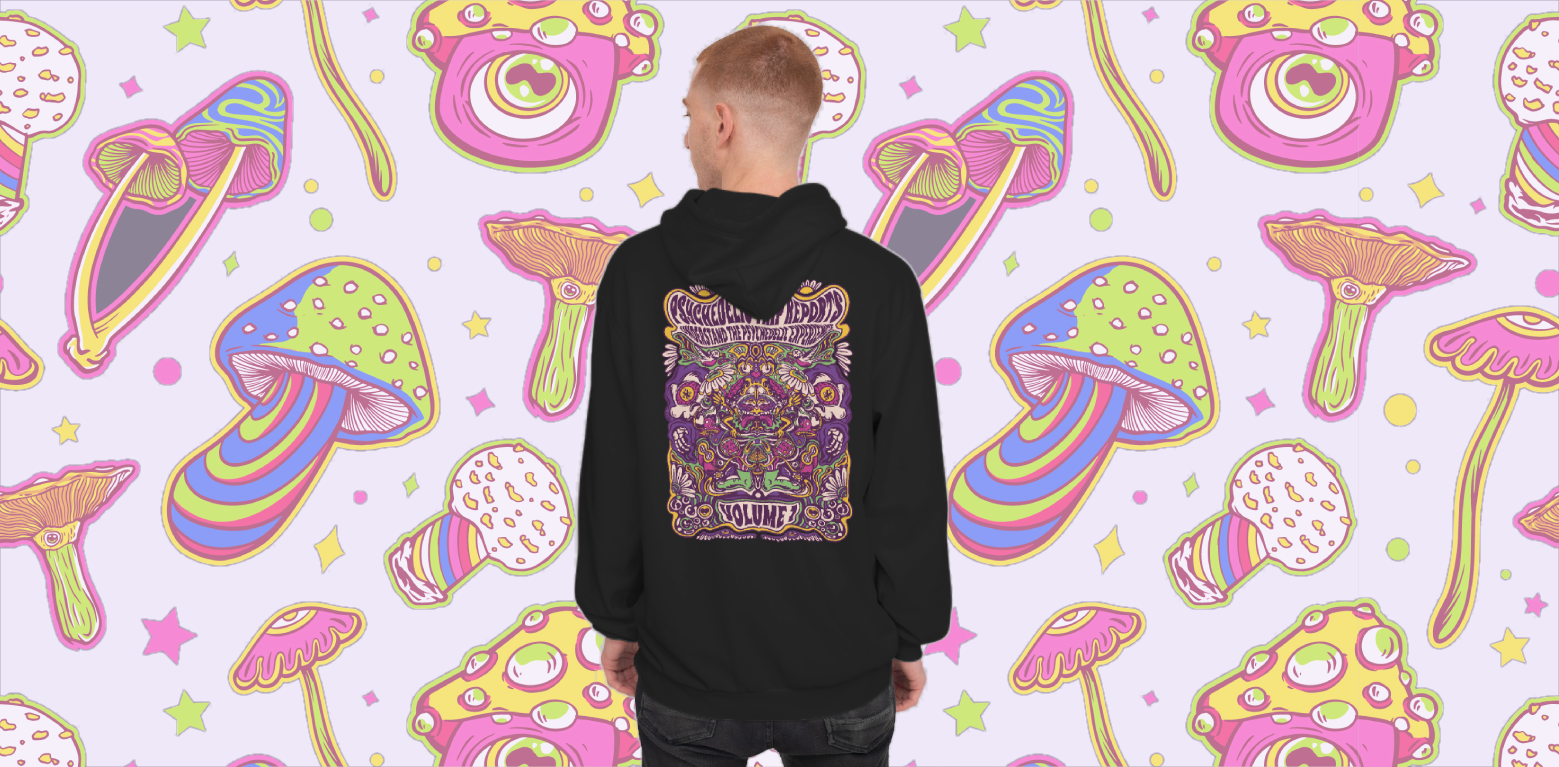
Etsy is an unusual marketplace: it’s packed with one-of-a-kind goods, but it’s also highly competitive and visually driven. A customer scrolling through hundreds of listings often decides in seconds whether to click on yours, and much of that decision comes down to the quality of your product images. That’s where mockup generators (or mockup creators) come in. They let you showcase your design on a realistic product photo without having to order samples or stage a photoshoot.
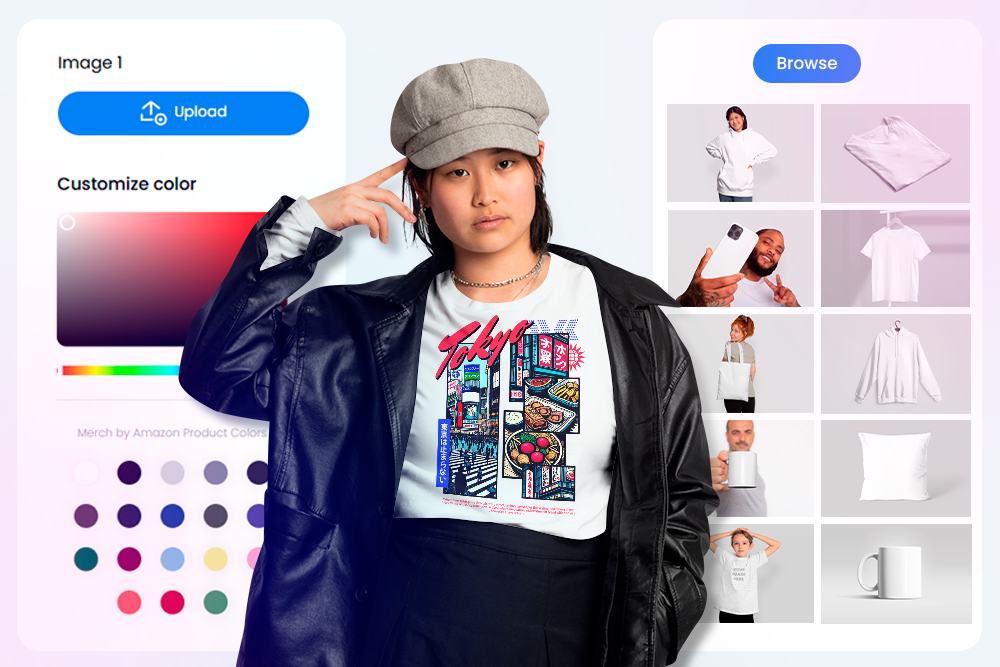
There are dozens of tools out there, but not all are equally suited for Etsy. Some focus heavily on apparel, others on digital products, and others still on highly art-directed hero images. For print on demand Etsy sellers, the right mockup generator balances three things: variety of product types, image quality that feels premium, and a workflow that’s fast enough to keep up with constant listings.
Below, we’ll look at eight of the best options. We’ll go tool by tool, outlining what they do best, where they might fall short, and why they’re worth considering for Etsy. Placeit kicks things off, and we’ll finish with Vexels, which we see as the strongest overall for Etsy sellers.
Placeit
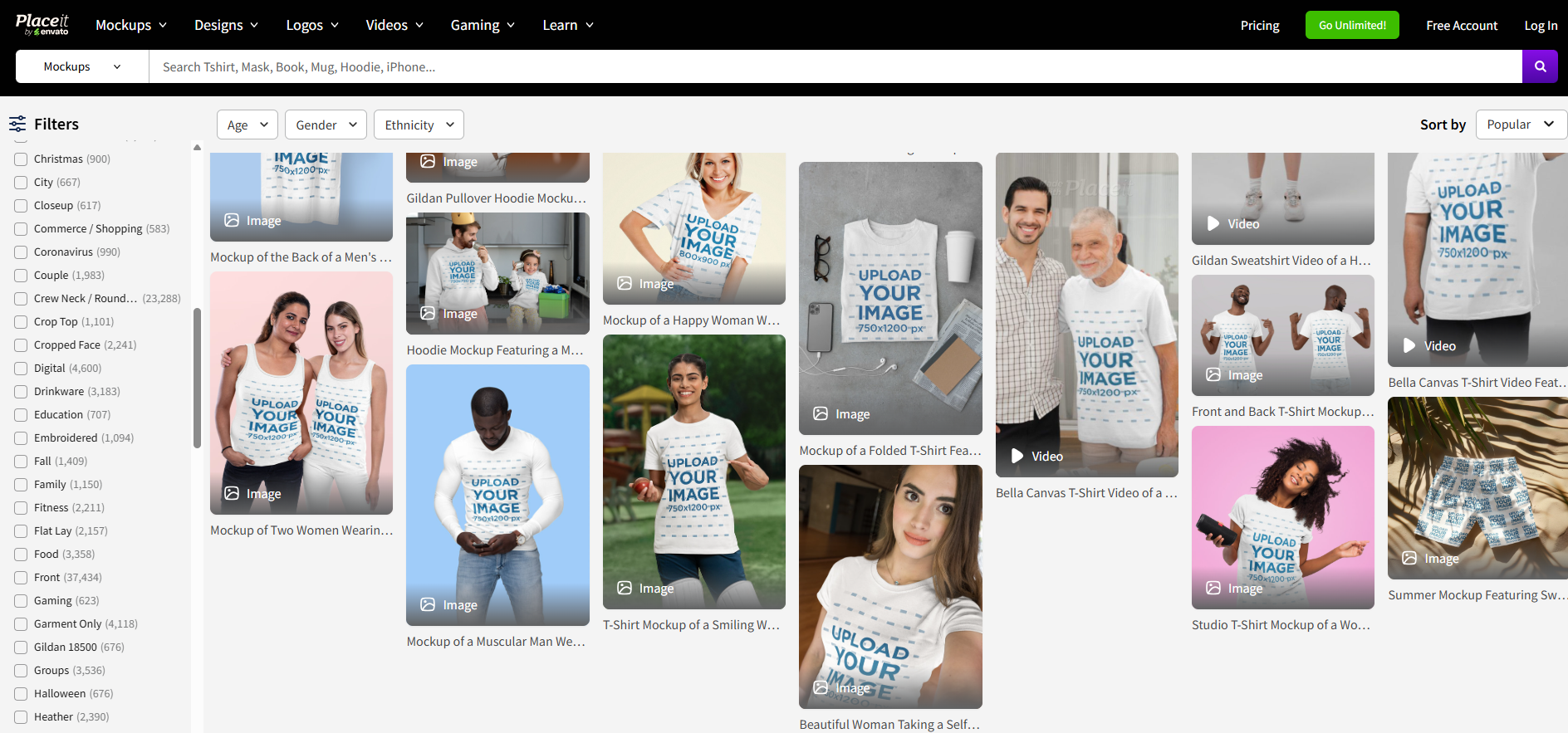
Placeit is probably the most well-known mockup generator. Its strength is sheer variety: tens of thousands of templates covering apparel, mugs, phone cases, home décor, tech devices, packaging, and even seasonal scenes. For an Etsy seller who wants speed and coverage, this is a practical first stop.
The workflow is as simple as upload–place–download. You can change product colors, tweak backgrounds, and see your design live in styled photos or clean studio shots. Placeit also constantly refreshes its library to keep up with trends and holidays, which is useful if you rely on seasonal sales.
Some of the downsides are that quality can be inconsistent between templates, and most of the best content is locked behind a subscription. Still, if your shop sells across multiple categories, Placeit’s breadth makes it a reliable workhorse.
Mockuuups Studio
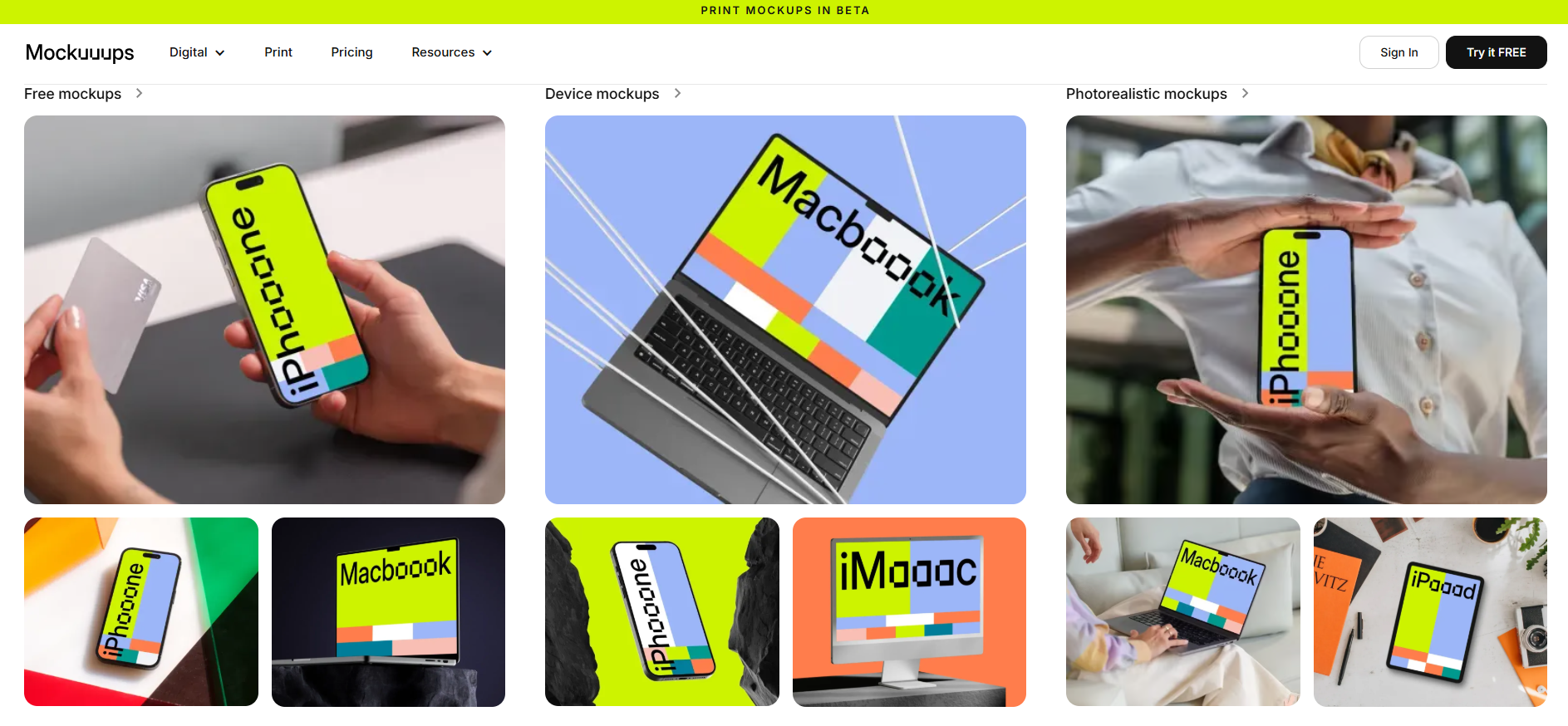
Mockuuups Studio is ideal if you sell digital goods or want clean, minimal product shots. Originally focused on tech and devices, its library now includes frames, posters, apparel, and desk scenes. The experience is drag-and-drop simple: load your file, and the tool generates dozens of views in seconds.
For Etsy sellers of printable wall art, planners, or digital templates, Mockuuups Studio is especially effective. A single upload can give you a spread of frame styles or device views you can immediately use as listing images. It doesn’t have the enormous variety of Placeit, but its streamlined focus makes it perfect for digital-first shops that value consistency.
Unblast
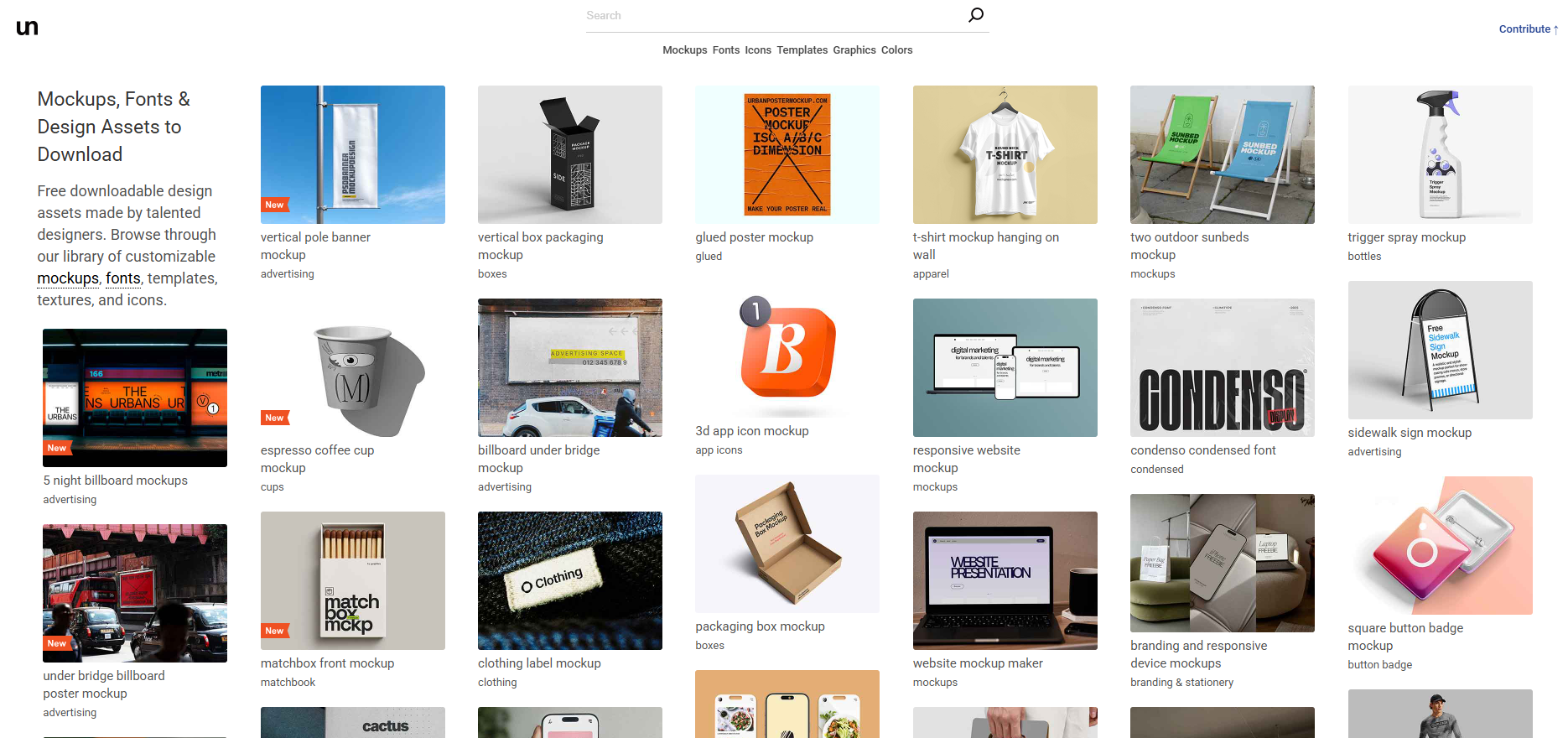
Unblast is a curated library of free and premium PSD mockups. Unlike online generators, you’ll need Photoshop or Photopea to edit these, but the payoff is exceptional quality. Many mockups have nuanced lighting, realistic folds, and styled backgrounds that look like editorial photography.
This makes Unblast perfect for hero images: the first gallery photo that convinces someone to click. Categories include apparel, packaging, posters, stationery, books, and more. If you’re willing to spend a little more time editing, Unblast can give your Etsy shop a polished, professional edge that generic mockups often lack.
Pixelbuddha
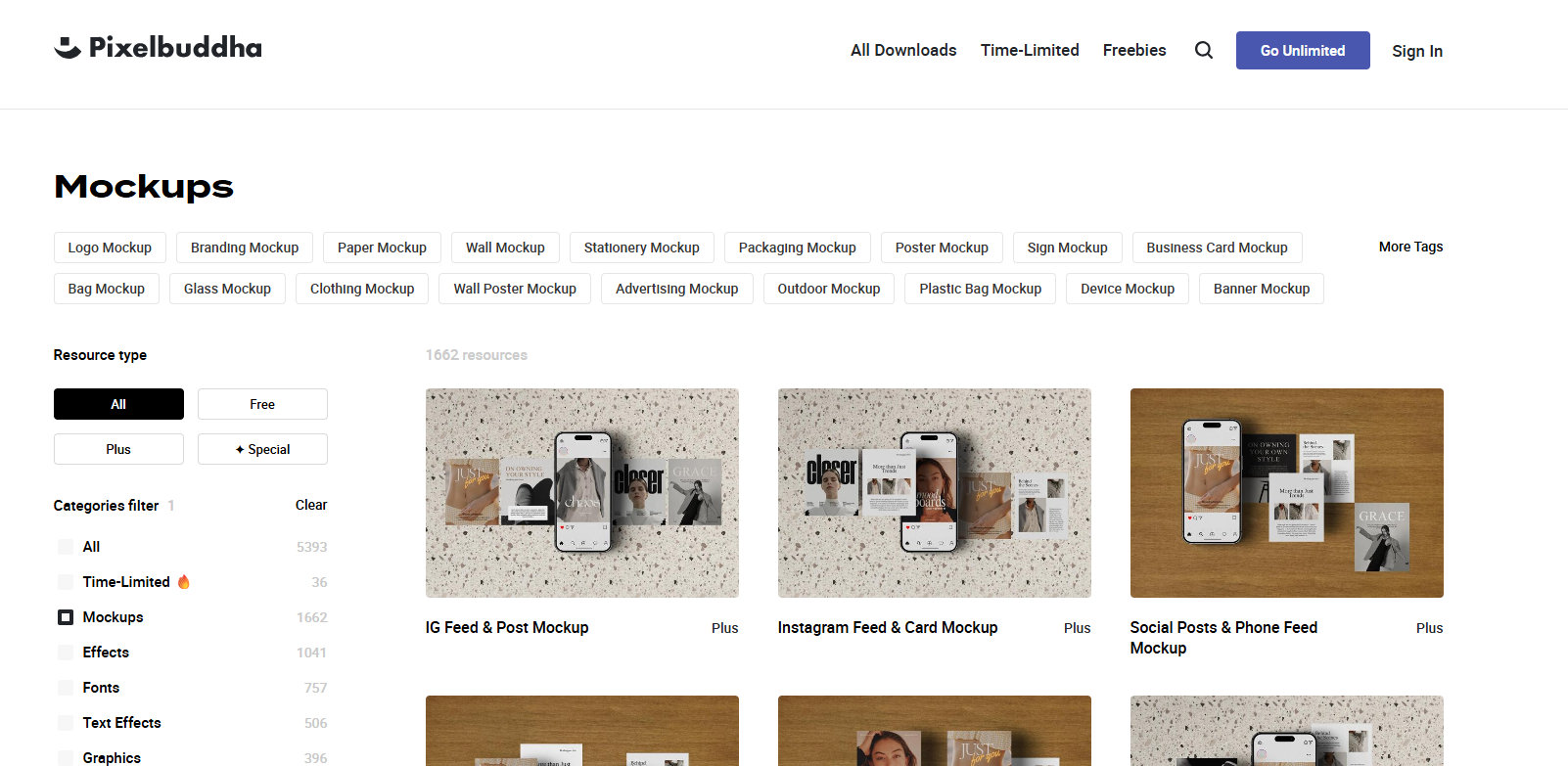
Pixelbuddha blends free resources with premium packs, offering mockups with strong art direction and consistent styling. Like Unblast, these are PSD-based, so you’ll need to edit in design software.
For Etsy, Pixelbuddha shines when you want cohesive sets. Many mockups come in packs: multiple views of the same product in the same environment. That means you can fill all your listing image slots with a unified look, which boosts buyer confidence. Categories cover apparel, posters, packaging, branding, and home décor.
Kittl Mockups
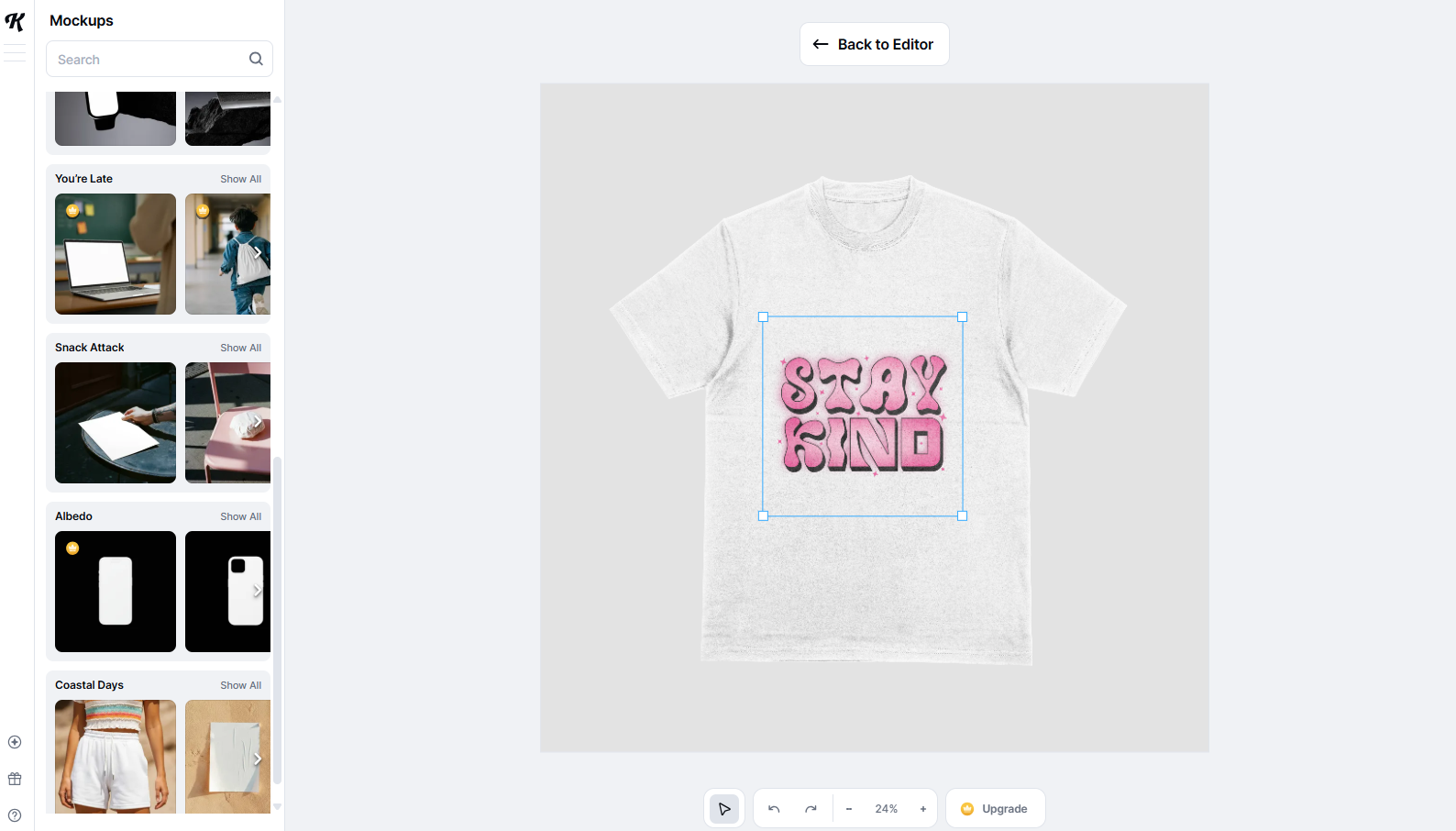
Kittl started as a design tool (particularly strong for typography and retro/vintage graphics) and its mockup tool integrates directly with that. If you’re already designing in Kittl, sending a design straight into a mockup is seamless.
The library covers common Etsy product types: shirts, posters, frames, mugs, and stationery. Customization is straightforward: choose product colors, adjust placement, and export. What stands out is the smooth design-to-mockup workflow, which saves time if you’re tweaking text-based designs frequently.
Kittl’s range is smaller than specialized libraries, but for sellers producing text-driven art, it’s one of the most convenient options available.
Yellow Images
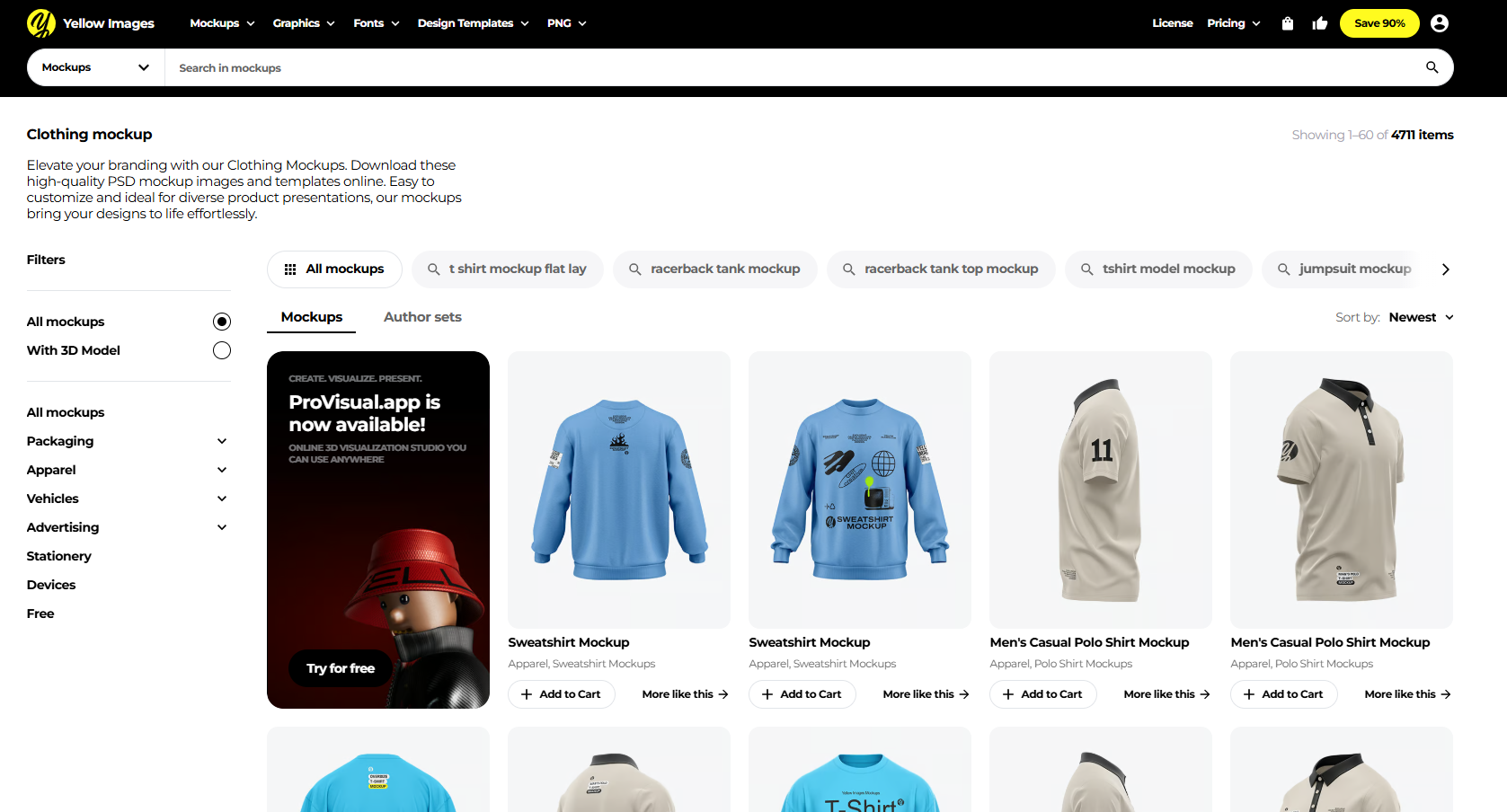
Yellow Images is a marketplace for premium, hyper-realistic mockups. Their files are crafted with meticulous detail: fabrics behave naturally, surfaces look convincing, and angles match real-life product shots.
These aren’t cheap, but they can be worth it for flagship products. If you sell premium apparel or packaging, one Yellow Images mockup can elevate your listing to look like a full studio shoot. As PSDs, they also give you deep customization: colors, materials, highlights, and displacement maps. Think of Yellow Images as your option when you want Etsy photos that rival high-end brand photography.
Freepik Mockups
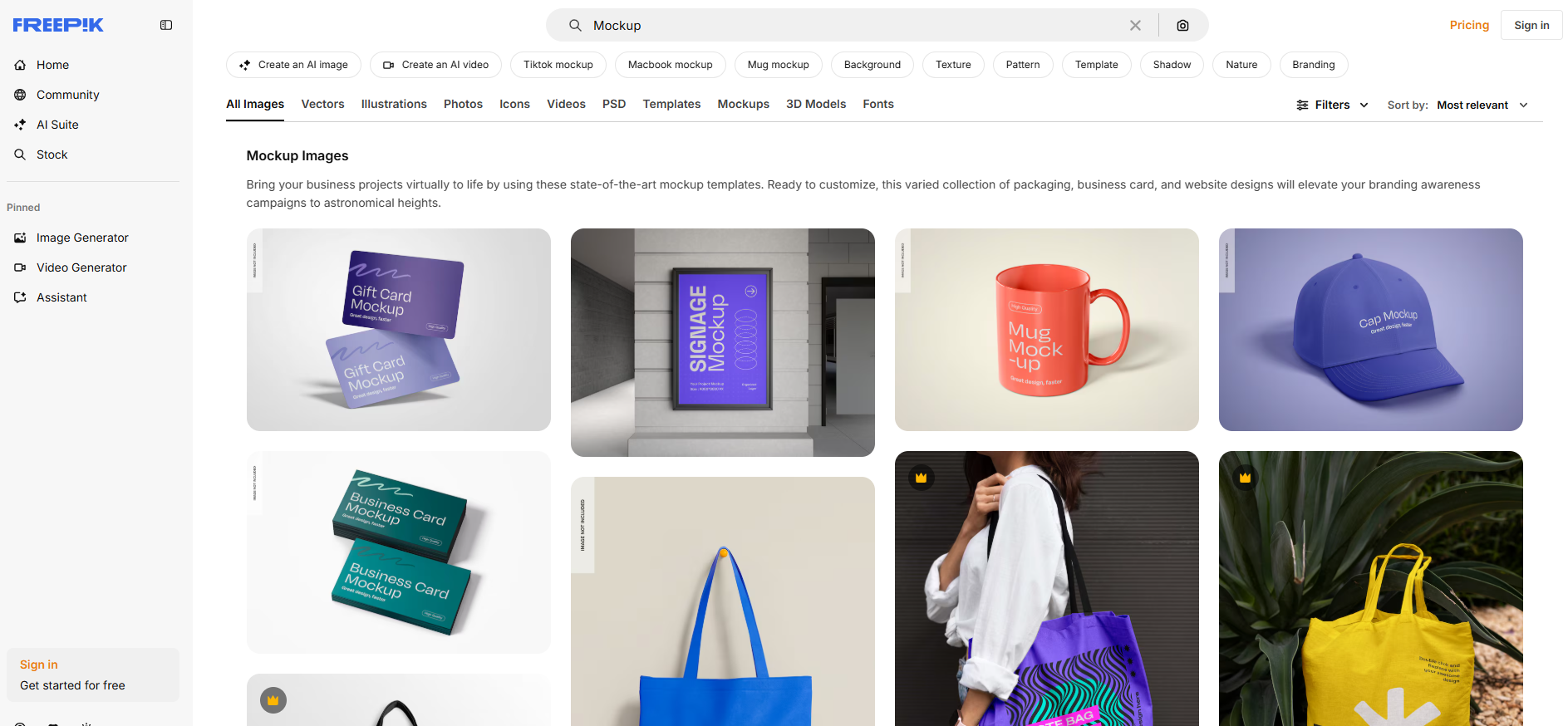
Freepik’s mockup library is massive and budget-friendly. You’ll find thousands of PSDs spanning apparel, mugs, posters, stationery, and digital devices. Many are free with attribution, while a premium subscription unlocks commercial use without credit.
Quality varies, but with careful selection you can build a strong set of reusable templates. For Etsy beginners, Freepik is a practical way to fill out listings without investing heavily. Pro tip: pick a small set of mockups you’ll use repeatedly across products, instead of downloading randomly, so your shop doesn’t look inconsisten
Vexels Mockup Generator
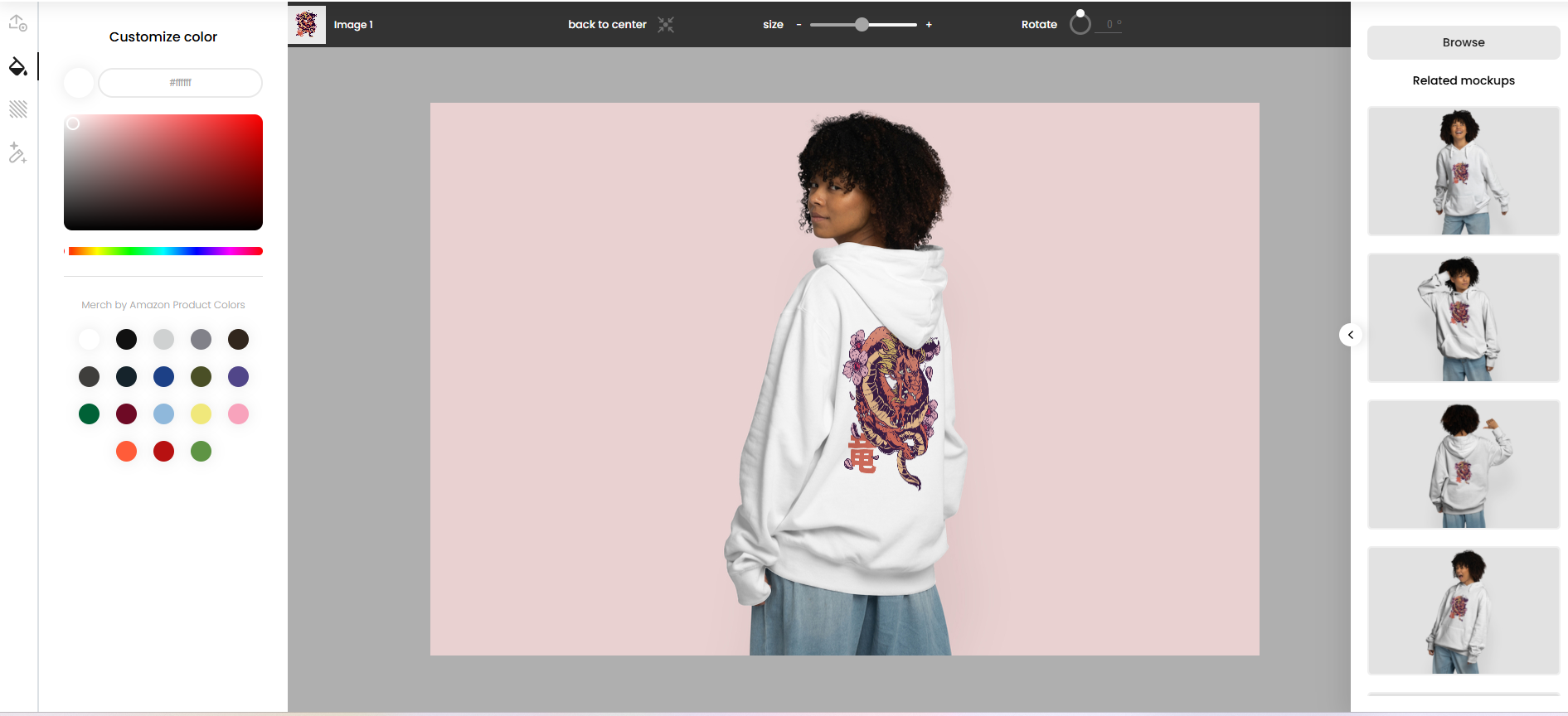
Vexels is designed with print-on-demand sellers in mind, and what really sets it apart is the premium quality of its mockups. Unlike many generators that churn out generic images, Vexels’ library feels curated: realistic lighting, natural fabric textures, believable shadows, and clean compositions. The result is product photos that look closer to a professional shoot than to a quick render.
The product range is broad: shirts, hoodies, mugs, totes, posters, pillows, phone cases, and more, and each template mirrors real POD products. You can customize product colors, swap backgrounds, and fine-tune placement. Because the visuals look polished across categories, Vexels Mockup Generator is especially good for sellers offering multiple product types but still wanting a consistent, elevated brand aesthetic.
For Etsy, that attention to detail matters. Premium-looking images build trust, and trust leads to sales. If your goal is to make your listings feel less “stock” and more “studio,” Vexels is the standout choice. It’s not free, but for sellers serious about presentation, the investment pays off in higher perceived value.
Conclusion

Each mockup generator has a different strength, and the “best” choice depends on how you sell on Etsy. If you need sheer variety and quick turnaround, Placeit is a reliable option. If you’re focused on digital products, Mockuuups Studio provides clean and minimal device and frame shots. Kittl is handy if your workflow is design-driven, while Unblast, Pixelbuddha, and Yellow Images are great sources for polished PSDs when you want standout hero images. Freepik covers a lot of ground at a low cost, making it especially useful for beginners.
Vexels rounds out the list with high-quality mockups that feel closer to professional photography, which many Etsy sellers will find valuable. But ultimately, most shops benefit from a combination of tools: one for fast bulk images, and another for premium or curated shots. The key is to pick a toolkit you can use consistently so your listings look cohesive, trustworthy, and appealing to buyers.